Commercial tender evaluation
for construction procurement
Make sense of complex pricing so your team can compare bids properly, surface risk early, and stand behind commercial decisions with confidence.
How commercial evaluation is handled
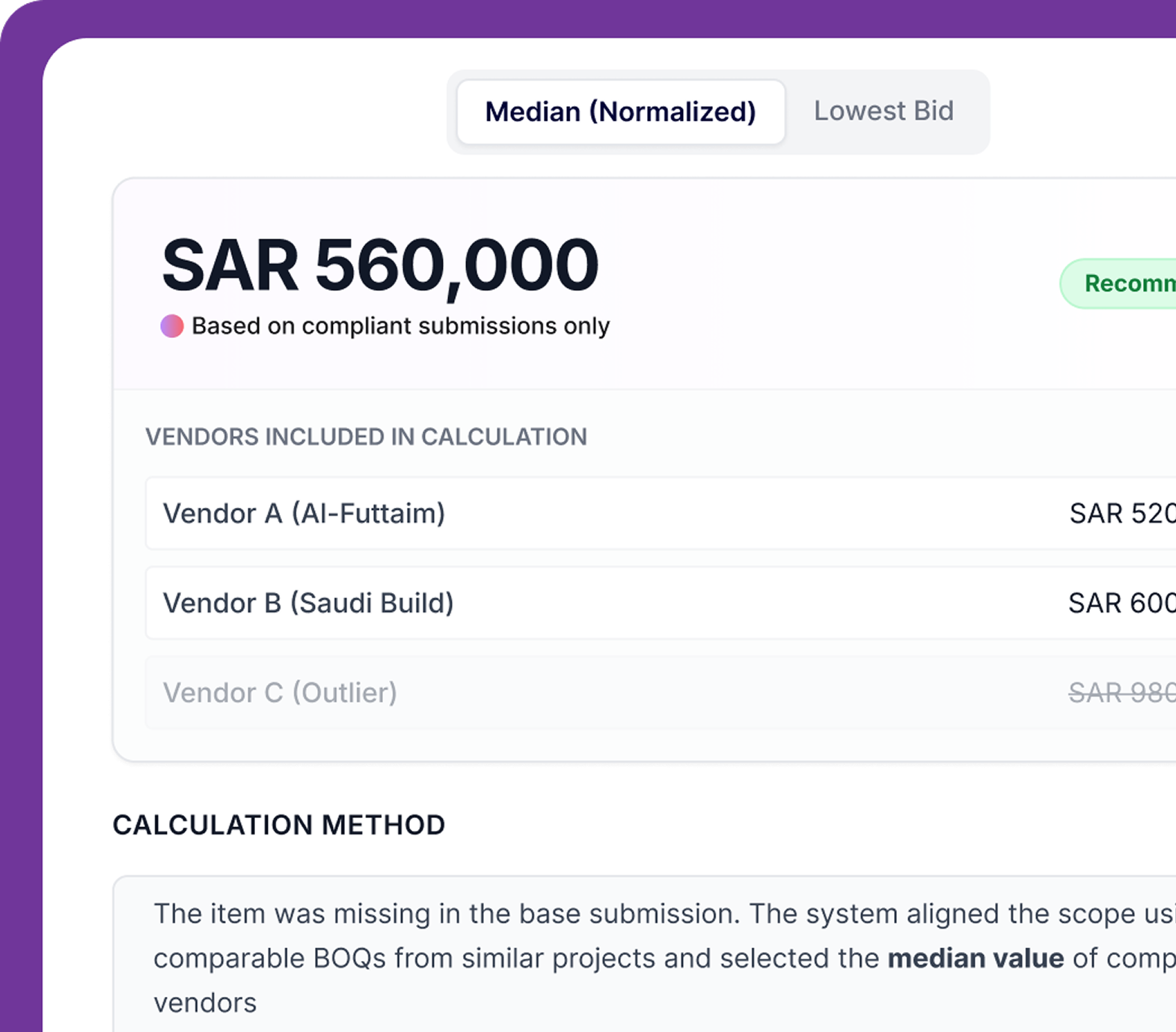
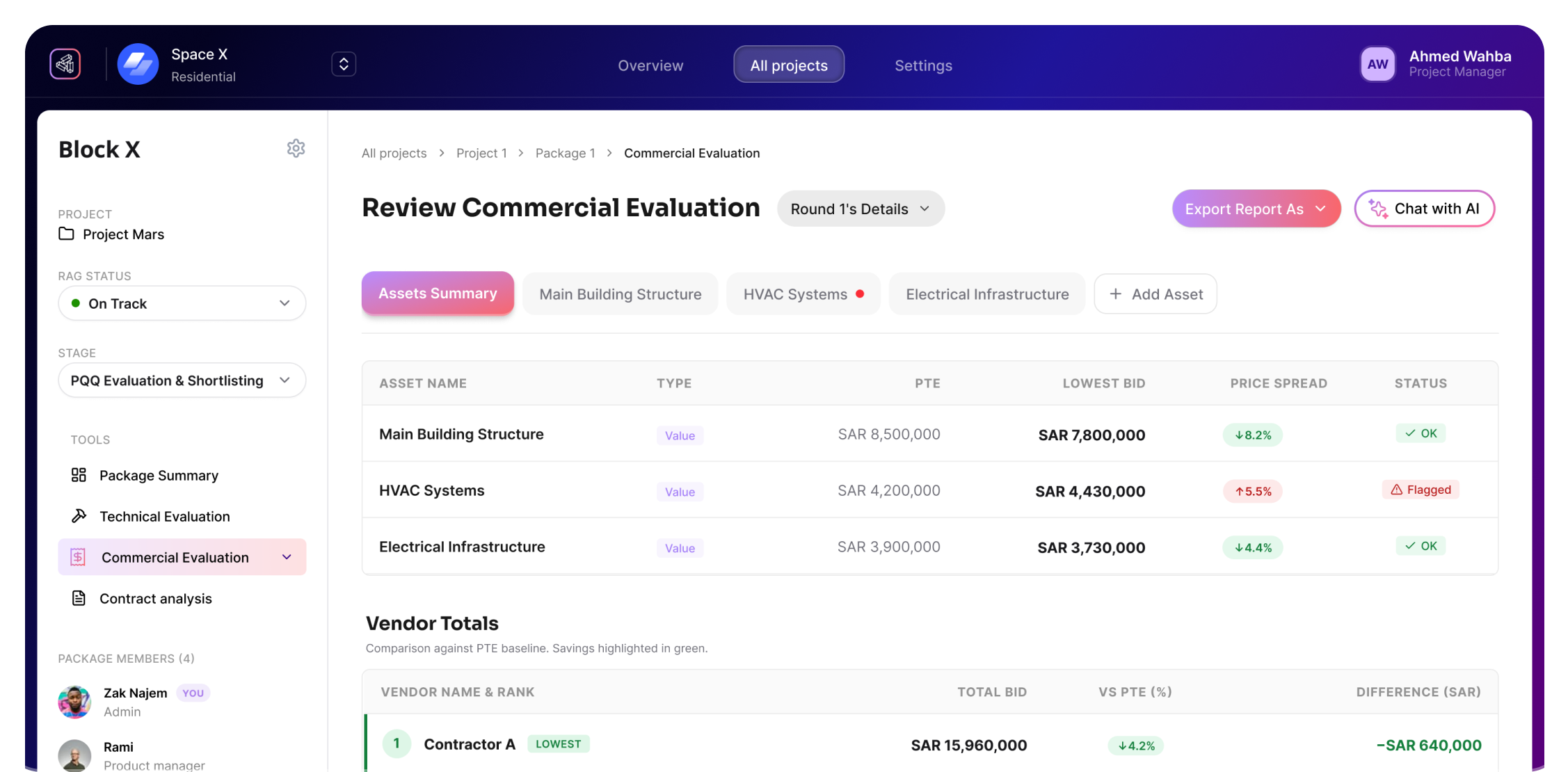
TruBuild automates the comparison of Bill of Quantities (BOQ) submissions, identifies pricing discrepancies, and highlights exclusions or qualifications that could impact project costs.
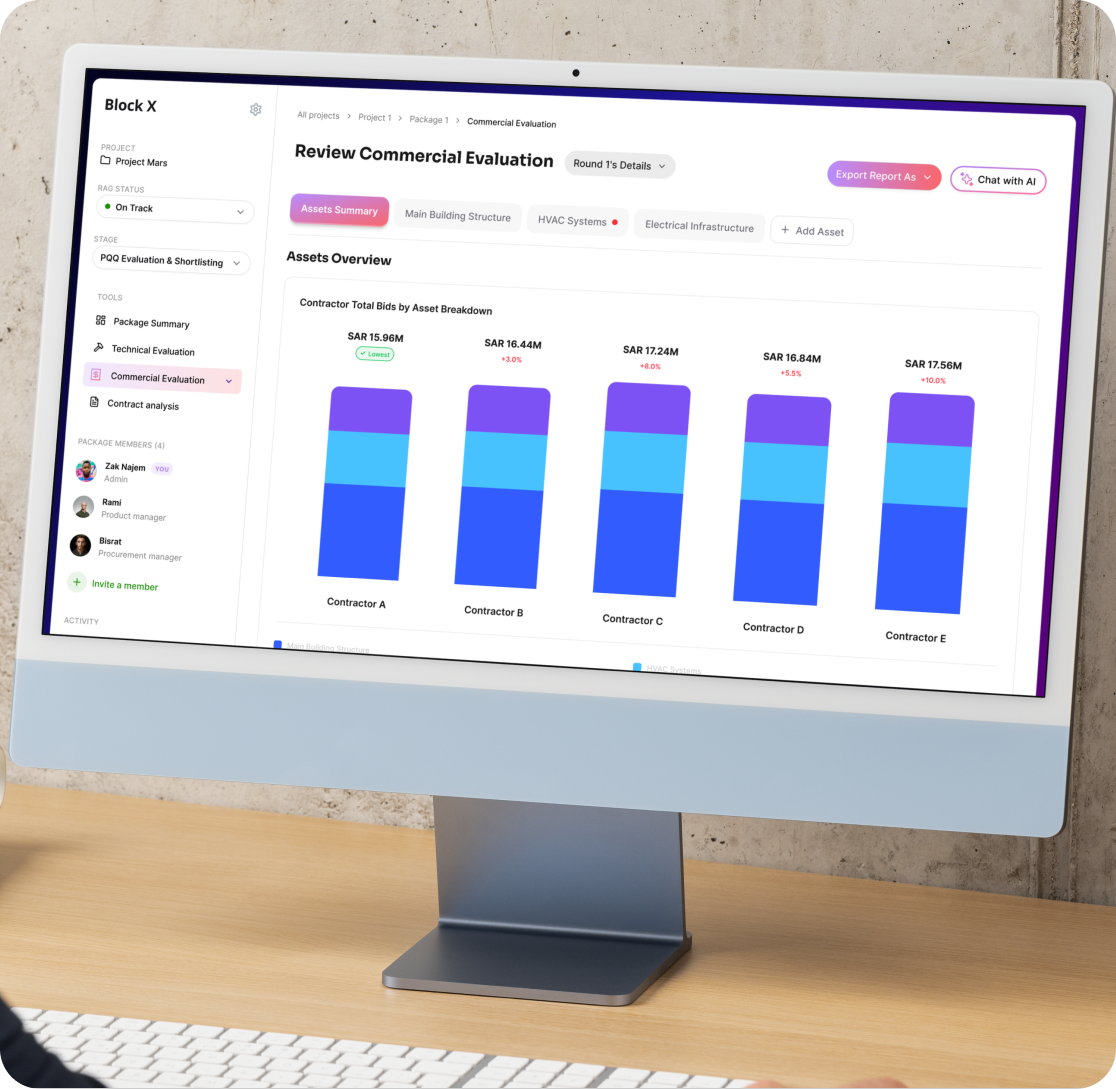
Automated BOQ comparison across all submissions
Identify pricing anomalies and discrepancies
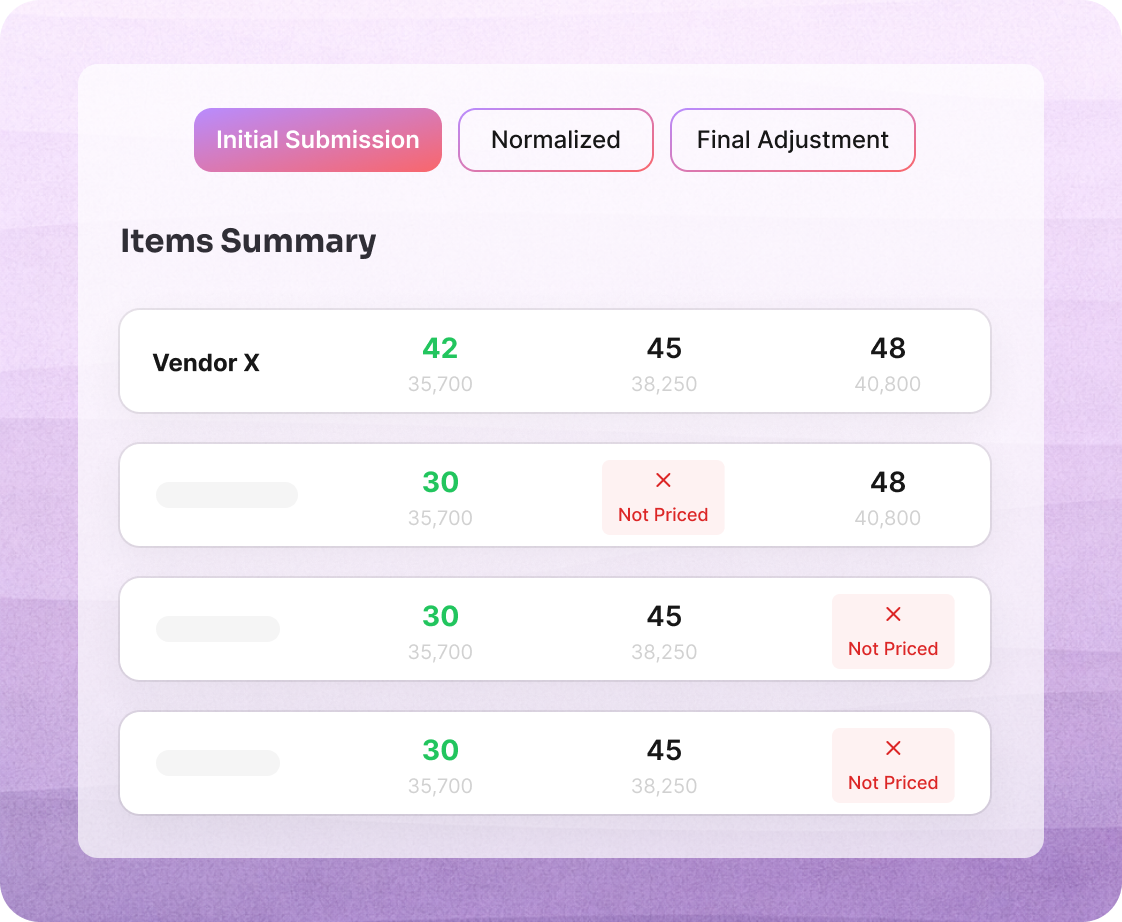
Flag exclusions and qualifications automatically
Used by teams responsible for managing projects oversight
Focuses on identifying what contractors have priced and what remains unpriced
How does the evaluation flow work?
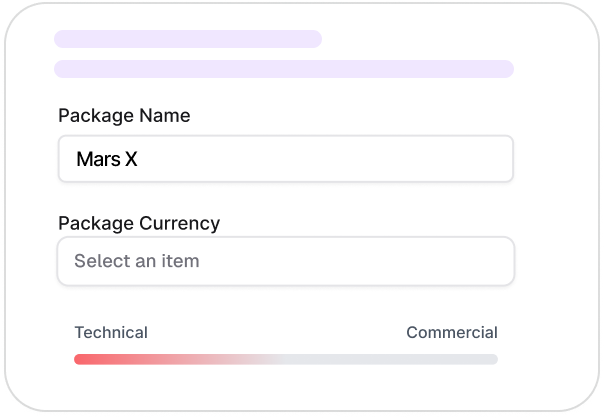
Build the commercial package
Define one or more packages and upload the relevant commercial documents, including the RFP/ITT, BOQ, and preliminaries. Set your evaluation framework and scoring criteria.
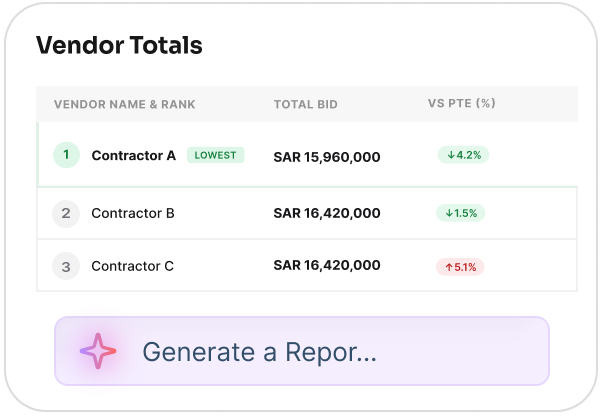
Align and compare
Aligned views help identify pricing spreads, lowest bidders, exclusions, unpriced items, and areas of concern.
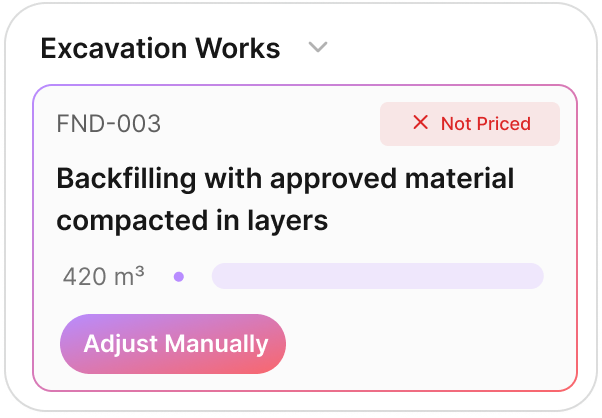
Examine bids as submitted
Contractor BOQs are presented exactly as received, preserving structure, quantities, rates, and pricing logic.
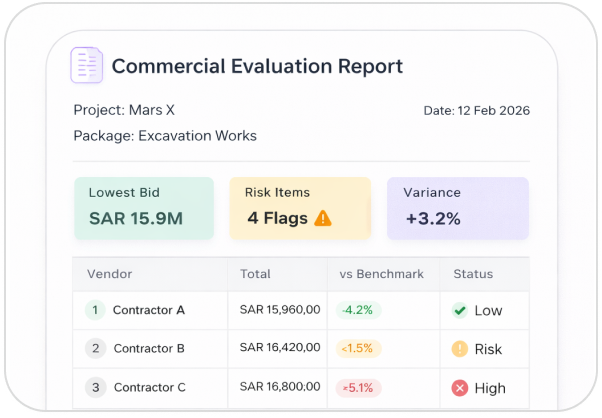
Record the outcome
Comparisons, summaries, and supporting data can be exported to support approvals, negotiation, and audit.
Human Judgment. AI Support.